탭 한 번에 소환되는 큐브 디스코!화려한 회전부터 무한 생성까지, 손끝에서 시작되는 기하학의 마법을 경험해 보세요.
지금 바로 클릭하고 터치해서 나만의 큐브 세상을 완성할 시간입니다. 언제 어디서든 즐겨보세요!
Random Cube Generator by HaBoong
Generator
haboong.itch.io
Unity Learn 공식 홈페이지의 Junior Programmer 과정을 진행하다가,
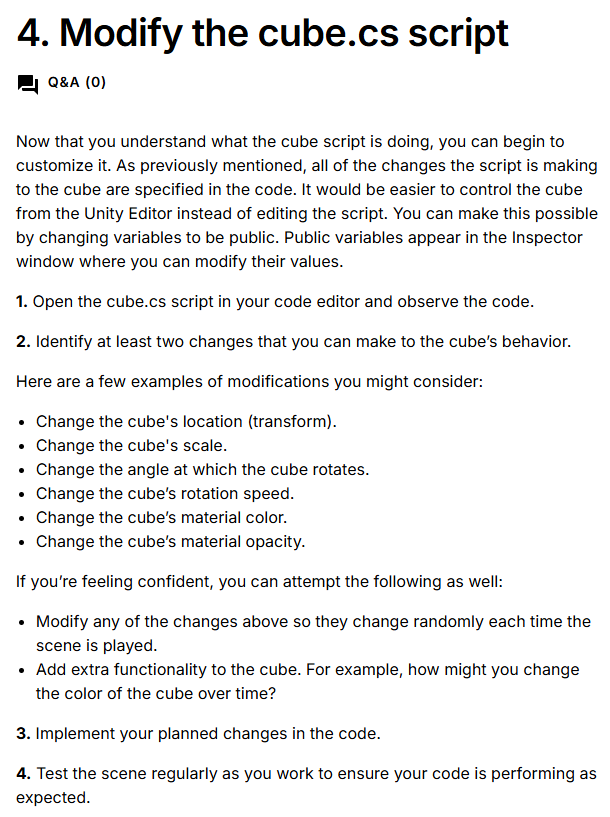
간단하게 큐브의 속성을 수정해보는 과제였지만
이것 저것 만져보는게 재밌어서 뇌절해버렸다!...(3시간이나 썼다)
하나의 스크립트에 모든 기능이 들어가있는게 맘에 안들긴 하지만,
AI를 최소한으로 쓰고 스스로 타이핑해서 만들었다는 점에서 뿌듯하다.
using System.Collections;
using System.Collections.Generic;
using UnityEngine;
using TMPro;

public class Cube : MonoBehaviour
{
    public MeshRenderer Renderer;

    // 랜덤 x,y,z 변수
    public float randomX = 15;
    public float randomY = 15;
    public float randomZ = 15;

    // 랜덤 속도
    public float randomSpeed = 360;

    // 랜덤 RGBA(색)
    public float randomR, randomG, randomB, randomA;

    // 벡터 변수 생성
    private Vector3 newPos;

    // 파티클 프리팹 가져오기
    public GameObject paticlePrefab;

    // 큐브를 생성한 횟수
    private int cubeCount;

    // 소리
    public AudioSource audioSource;
    public AudioClip spawnSound;

    // UI
    [SerializeField] private TextMeshProUGUI countText;


    //--------------------------------------------------------
    //--------------------------------------------------------


    void Start()
    {
        UpdateUI();
    }


    void Update()
    {
        transform.Rotate(newPos, randomSpeed * Time.deltaTime);

        if (Input.GetKeyDown(KeyCode.Space) || Input.GetMouseButtonDown(0))
        {
            GenerateCube();
        }
    }


    //--------------------------------------------------------
    //--------------------------------------------------------

    // 위치 변경
    void MoveToRandomPos()
    {
        transform.position = newPos;
    }

    //--------------------------------------------------------
    //--------------------------------------------------------

    //랜덤화

    void Randomize()
    {
        RandomizeVector3();
        RandomizeSpeed();
        RandomizeColor();
    }


    void RandomizeVector3()
    {
        randomX = 15;
        randomY = 15;
        randomZ = 15;

        randomX = Random.Range(-randomX, randomX);
        randomY = Random.Range(-randomY, randomY);
        randomZ = Random.Range(-randomZ, randomZ);

        newPos = new Vector3(randomX, randomY, randomZ);
    }

    void RandomizeSpeed()
    {
        randomSpeed = 360;
        randomSpeed = Random.Range(0, randomSpeed);
    }

    void RandomizeColor()
    {
        randomR = Random.Range(0f, 1f);
        randomG = Random.Range(0f, 1f);
        randomB = Random.Range(0f, 1f);
        randomA = Random.Range(0f, 1f);
    }

    //--------------------------------------------------------
    //--------------------------------------------------------

    // 생성

    void GenerateCube()
    {
        Material material = Renderer.material;

        Randomize();

        MoveToRandomPos();
        material.color = new Color(randomR, randomG, randomB, randomA);
        transform.localScale = newPos;

        Instantiate(paticlePrefab, newPos, transform.rotation);

        AddCubeCount();

        if (audioSource != null && spawnSound != null)
        {
        audioSource.PlayOneShot(spawnSound);
        }
    }

    //--------------------------------------------------------
    //--------------------------------------------------------

    // UI
    private void UpdateUI()
    {
        if (countText != null)
        {
            countText.text = "Cubes Created: " + cubeCount;
        }
    }

    public void AddCubeCount()
    {
        cubeCount++;
        UpdateUI();
    }
}
using UnityEngine;

public class Destroy : MonoBehaviour
{
    // Start is called once before the first execution of Update after the MonoBehaviour is created
    void Start()
    {
        Destroy(gameObject, 3.0f);
    }

    // Update is called once per frame
    void Update()
    {

    }
}
파티클 프리팹에 붙인 스크립트.

'🎮 Game Developments > Practices' 카테고리의 다른 글
| Moonscape #1 아이디어 구상 (0) | 2026.02.12 |
|---|---|
| Unity 2DPhysics 스크립트로 구현하기 (0) | 2026.02.02 |
| Unity Learn 과정을 진작 할걸 (0) | 2026.01.27 |
| 1BitDragon 유료 작곡 프로그램 (0) | 2026.01.27 |
| MOQI 기획, 프로토타입 (0) | 2026.01.18 |